
The Ultimate Guide to Proxy Servers
Every proxy type explained, compared, and broken down by use case. Your starting point for choosing the right proxy for any workload.
Types of Proxy Server
Every proxy type, indexed by what makes it different: IP source, protocol, position, access, rotation, and anonymity.
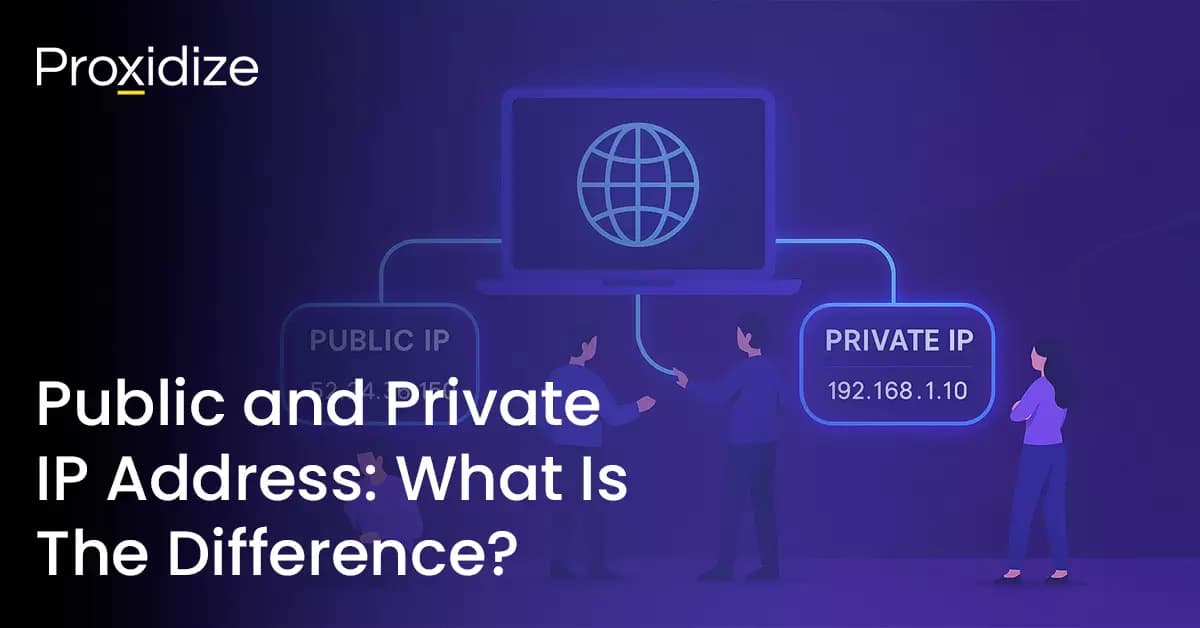
Public and Private IP Address
Every device has both a public and private IP. The why behind the split — NAT, IPv4 exhaustion, and the private Class A/B/C ranges your router hands out.
May 15, 20267 min read
Load Balancing for Proxy Servers
How load balancing keeps proxy infrastructure fast, reliable, and scalable — the three types of load balancers, the algorithms behind them, and how they overlap with reverse proxies.
May 15, 20268 min read
Mobile Proxy
IPs sourced from mobile carriers via 4G/5G modems. CGNAT means many real users share each IP, which makes mobile proxies inherently hard for sites to ban.
May 12, 20268 min read
Residential Proxy
Home IPs assigned by ISPs and sourced via SDK-based integrations. They closely resemble real user traffic, which makes them the default choice for serious scraping.
May 10, 20267 min read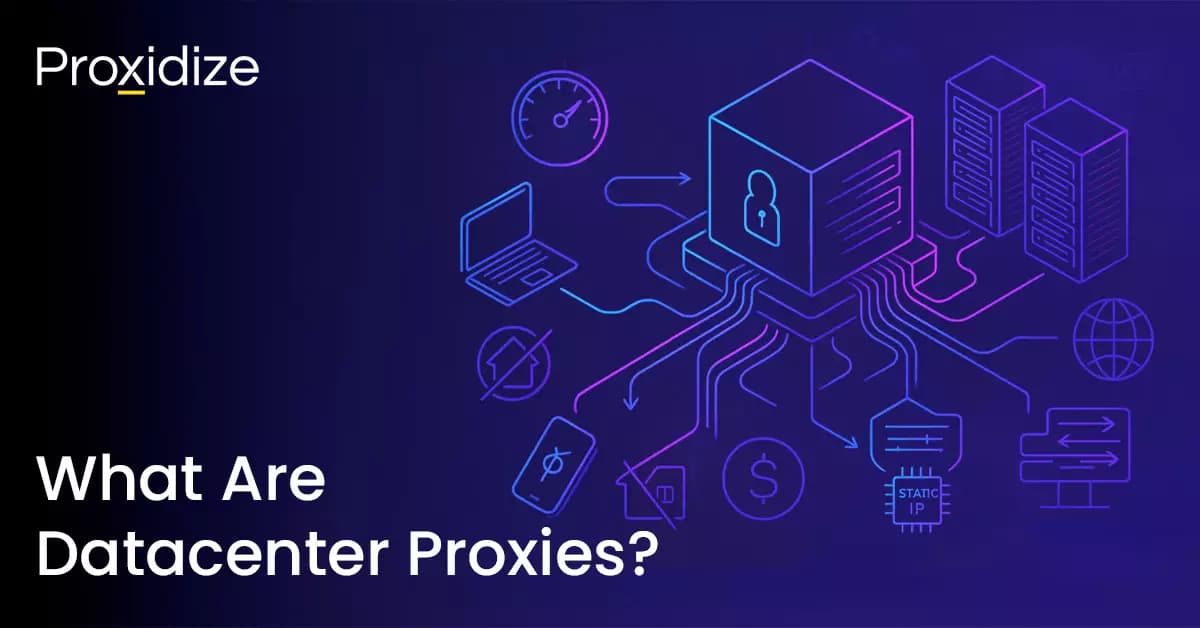
What Are Datacenter Proxies?
IPs sourced from data centers — fast, scalable, and the cheapest tier. Static by nature, easy to detect, and ideal when speed and scale matter more than authenticity.
May 16, 202610 min read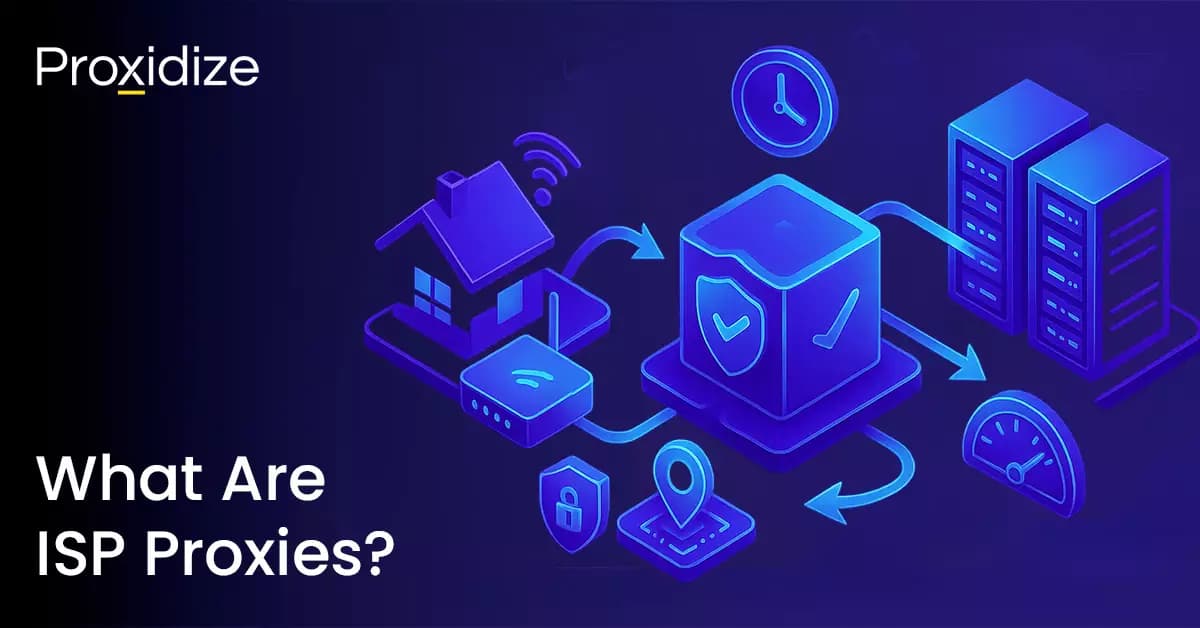
What Are ISP Proxies?
Static residential IPs hosted on datacenter infrastructure — datacenter speed and uptime with the trust score of residential. How they compare, when to use them, and what they cost.
May 16, 20268 min read
Fundamentals
What's a proxy server?
A proxy server is an intermediary that sits between your client and the target. Your request goes to the proxy first, and the proxy forwards it from its own IP. The target only ever sees the proxy, never you.
- Hides your real IP from the target server.
- Routes traffic from a different country, or city.
- Spreads requests across many IPs to avoid bans and rate limits.
The flow
How proxies work
Three hops, milliseconds apart. Your client, the proxy, and the target.
- 1Client requestYou configure your browser, scraper, or SDK to send its traffic to the proxy's IP and port instead of going to the target directly.
- 2Proxy processingThe proxy receives the request, applies any rules (content filtering, auth), checks its cache, and then forwards the request from its own IP.
- 3Server responseThe target server processes the request and sends the response back to the proxy. It never sees your real IP, only the proxy's.
- 4Proxy responseThe proxy relays the response back to your client. To the target, every request and reply looks like it came from the proxy.
More than a relay
What else can a proxy do?
Modern proxies aren't just relay points. They can inspect, transform, cache, and load-balance every request that passes through.
- CachingFrequently visited content can live on the proxy itself, cutting load on the target and shrinking response times.
- Content filteringBlock, allow-list, or transform requests on the way through. The proxy can refuse to forward traffic that hits a blocklist.
- Traffic distributionSpread thousands of requests across many proxy IPs to bypass rate limits and avoid getting flagged as a single source.
Trade-offs
Pros & cons of using a proxy
Proxies unlock scale, but they come with trade-offs worth understanding before you commit.
Pros
- AnonymityA proxy hides your real IP from the broader internet. For personal use it can replace a VPN, and is typically faster since there's no tunneling or encryption overhead.
- Traffic distributionSpread requests across many IPs to scale your scrapers, bypass rate limits, avoid IP bans, and enable larger volumes of automation.
- GeohoppingBypass regional content restrictions by making traffic look like it's coming from another country. Most providers offer country and city-level targeting.
- Identity isolationIsolate accounts on social and ad platforms across separate IPs. Prevent contamination, bypass account limits, and scale the number of identities you can run.
- General scalabilityAny activity that would otherwise be limited by a single IP (scraping, API testing, web automation) can be expanded almost without bound.
Cons
- CostQuality correlates with price. Dedicated proxies cost more than shared. Residential and mobile cost more than datacenter. Cheap proxies are cheap for a reason.
- Higher latencyYour traffic has to physically route to the proxy before continuing on to its destination. The further the proxy, the more latency it adds.
- Additional softwareProxies alone aren't enough for most use cases. You'll usually pair them with anti-detect browsers, headless tooling, or scraping frameworks.
- Bad neighborsShared proxies mean your IP may have a history. If a bad actor used it before you, the target site might already distrust the address.
FAQ
Got questions?
We've got answers.
Quick answers to the most common questions about proxy servers, the types you'll come across, and which to pick for which job.
Key Takeaways
What to remember about proxy servers
- Proxy servers fuel web automation and data collection for many industries — from ecommerce to ad verification.
- They can be categorized seven ways — by IP source, protocol, position, access, rotation, IP technology, and level of anonymity.
- Residential and mobile proxies most closely resemble real user traffic, which makes them the toughest to block.
- Datacenter proxies are the fastest and cheapest, but the easiest to flag.
- Different proxy types trade off quality, access, uptime, speed, and cost — there's no single "best" proxy.
- Beyond anonymity, proxies are critical networking infrastructure for caching, content filtering, and traffic distribution.
Ready to get started?
Start free today, or talk to our team to build a plan around your scale.
Mobile proxies.
Real US mobile IPs from major carrier networks. Pay per GB or per proxy.
View mobile pricingResidential proxies.
Millions of real residential IPs across 195+ countries. Pay per GB.
View residential pricing