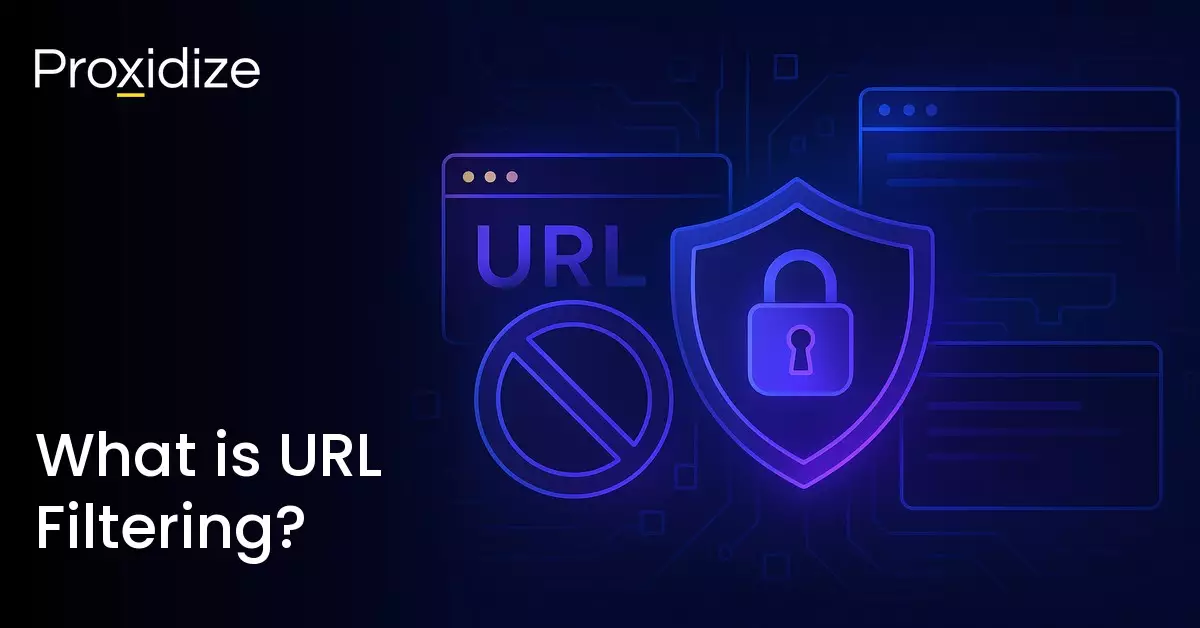

If you have ever tried to enter a website at work or school that you maybe should not be accessing and found it blocked, you may have encountered URL filtering. It enables companies to block individual pages and files to restrict what content their employees can access over company networks.
URL filtering is a cybersecurity solution that blocks unauthorized access to URLs and protects against threats like malicious websites while limiting organizational exposure to liability. It is an integral part of any strong defence cybersecurity strategy.
This article aims to explore what URL filtering means, how it differs from DNS filtering, how it works, and what its purpose is. By the end of this article, you should have a solid understanding of the concept and finally have an answer as to why your cybersecurity engineer blocked certain websites.

What Does URL Filtering Mean?
URL (Uniform Resource Locators) filtration can block websites that are deemed inappropriate by your website administrator. This can include websites containing gambling or pornography and can extend to social media or gaming websites. Companies implement URL filtering to help prevent employees from using company resources in a way that negatively affects the company.
It also helps mitigate malware and phishing attacks by blocking malicious websites. Secure web gateways often include a URL filtering feature. URL filtering works by comparing the URL a user tries to visit against a database or a list of websites that have been blocked or permitted to use.

URL filtering technology restricts access to business-irrelevant websites, access to websites that contain illegal or inappropriate content, and access to insecure websites containing malware and phishing to prevent network attacks.
It categorizes websites into different groups:
- Malicious: This includes phishing, malware, and botnet websites.
- Unproductive: This includes websites that might be timewasters such as social media, streaming, or gaming. This does vary depending on companies as a marketing company would not want to have social media sites filtered.
- Industry-Specific: Gambling websites, adult content, or illegal download websites.
URL Filtering Example
Businesses can implement URL filtering to restrict access to non-work related websites to prevent any data leaks and ensure compliance with company policies. Schools and universities use filtering to create a safe online environment for students by blocking access to distracting or inappropriate content. Public Wi-Fi providers use it to prevent access to malicious or illegal websites to create a secure browsing experience for its users.
Parents use filtering software to protect their children from accessing any age-inappropriate or harmful online content. Governments and military organizations also leverage it to enhance their cybersecurity posture and prevent any unauthorized access to sensitive information.

How URL Filtering Works
URL filtering works by matching a target URL with what is in a database. A website admin might block all known social media websites such as Twitter/X or Facebook, gambling websites, or websites containing adult content. They will exclude any URL with certain characteristics like the word “game” in the domain name. For more malicious websites, it does get a bit trickier. The filtration tool will often rely on databases from what is known as Web Reputation Services which are online watchdogs that monitor websites for any kind of malicious conduct.
Filtering does offer some flexibility in terms of when or how it is applied. Instead of blocking out entire domains, admins can block specific pages containing problem elements. Admins can group users and determine the level of access restriction based on those groups, which is how someone in the engineering department might not have access to social media sites but the marketing department does.
Companies that employ VPS hosting for their online operations can enhance security by integrating URL filtering in their network architecture which ensures a granular level of control over access and safeguards against potential cyberthreats.
If an employee tries to access a website that is flagged for malware, they will either be warned that URL filtering has been triggered or might see a generic 405 error. This is one of the more common proxy error codes and is easy to solve but if the website being visited has been incorrectly flagged, the employee can contact the IT department to remove it from the list.
URL filtering takes place at the application layer of the OSI model. The web protocols used at this layer are HTTP, FTP, and SMTP. The URL filter will examine requests that use these protocols and if they are directed at a blocked URL, it filters out the request and directs the device that the request originated from to a block page.
The process of filtering can be refined by leveraging various techniques such as:
- Allowlisting: Allowing access to certain URLs or domains that are deemed safe and essential for business operations.
- Denylisting: Denying access to URLs or domains that are known to be malicious or inappropriate.
- Category-based Filtering: Blocking or allowing access based on predefined categories.
- Keyword-based Filtering: Restricting access to websites containing specific keywords or phrases.
URL filtering works through a process which involves categorizing URLs to help the system apply relevant rules, enforcing a security policy that checks if a requested URL falls under the allow or restrict category, creating a whitelist and blacklist to override default categories based on business needs, and occasionally, analyze the actual webpage content for any hidden threats.

What is the Purpose of URL Filtering?
The importance of URL filtering cannot be understated. While it might seem as just a way to prevent employees from “having fun” on the job, its impact can be detrimental to your organization’s integrity.
Filtering can keep employees safe from malware. There are many websites that may look professional but are hiding shady intentions. Less tech-savvy employees might not notice the difference between a URL that says rnicrosoft instead of microsoft. Filtering helps remove the guesswork and keeps everyone safe.
Failing to filter URLs can violate compliance requirements, especially if you work with sensitive data such as customer information. Phishing scammers are getting smarter by the hour. When it comes to public and private IP addresses, malicious actors prefer private IPs. Filtering can keep scammers away from your people and your data.
URL filtering can also keep your bandwidth usage low as if there are too many people making requests, especially unnecessary ones, your system will be slower.

DNS Filtering vs URL Filtering
While learning about URL filtering, you might have come across DNS filtering. While both serve a similar function, they are distinct in their practice. URL checks each part of the domain while Domain Name System (DNS) filtering blocks entire domains and IP addresses. DNS filters cannot inspect DNS over HTTPS enforcement while URL filters can.
As the name states, URL blocks URLs and DNS blocks DNS queries. DNS filtering makes it possible to block a website and all of its webpages regardless of the URL. However, if you only wish to block specific URLs within a website and not the entire website, URL filtering is a better choice. However, due to this fact, URL filters need more maintenance and customization.
This comes in handy if a news website discusses breaking news for a company’s industry but also covers pop culture and sports news. To keep employees from wasting time, companies can employ URL filters to keep the company-specific news accessible while blocking out the time-wasting news articles. DNS filtering would block the website entirely, keeping employees who need that specific category to function.
Conclusion
URL filtering is a necessary network security practice that allows organizations to control which websites employees can access. By evaluating URLs against predefined rules, categories, and reputation databases, admins can block malicious websites, limit access to inappropriate or irrelevant content, and enforce internal network policies. As it operates at the application layer, URL filtering can inspect specific pages and requests rather than blocking entire domains through DNS filtering.
Key takeaways:
- URL filtering controls access to specific web pages or resources by evaluating requested URLs against predefined policies.
- It protects networks from threats such as phishing websites, malware-hosting domains, and other malicious web content.
- Filtering operates at the application layer and inspect web protocol requests such as HTTP, FTP, and SMTP.
- Common filtering techniques include allowlists, denylists, category-based filtering, and keyword-based filtering.
- DNS filtering differs from URL filtering because DNS filtering blocks entire domains while URL filtering can be customized to specific destinations on a website.
Companies use URL filtering to reduce exposure to threats such as malware and phishing but also to manage bandwidth usage and maintain productive use of network resources. It gives admins flexible control, allows policies to be applied differently across user groups, and enables more granular decisions about which content should be accessible. Understanding how URL filtering works clarifies why certain websites are blocked on corporate, educational, or public networks. Rather than limiting browsing, it forms part of a broader security strategy designed to protect users, networks, and sensitive data.
Frequently Asked Questions
How do I add filters in a URL?
To add filters to a URL, you will need to use a specific syntax involving query string parameters which allow you to pass data to the web page to modify its content. This is a common method in web development for filtering, sorting, and pagination.
Can I block certain URLs?
Yes, you can block specific URLs, websites, or domains by using a browser extension, router settings, local host files, or parental control apps. These methods will allow you to restrict access to websites on computers and mobile devices.
What is the difference between URL filtering vs DNS filtering?
URL filtering is a more extreme version of DNS filtering. With DNS filtering, you would be blocking entire websites, banning anyone from accessing them on your network. URL filtering allows for a bit more leeway as you can block certain URLs. As an example, you could keep X/Twitter accounts that discuss topics related to the business but block accounts that are more entertainment based. Additionally, you could allow the business section of a news website while blocking the sports section, thus keeping employees attention on what matters.